

 Beast Mastery
 Marksmanship
 Survival
Hunter pet macros, and why your pet stops attacking
The short version: /petattack is not broken. It is a current command that takes conditionals like any other, and almost every pet that refuses to fight is refusing for one of three dull reasons: it is dead, its stance gives it no reason to open, or it cannot walk to what you sent it at. Below are the commands that work, the stance rules behind all three, a macro set you can paste, and a straight answer on the bugs people blame for the rest.


Three questions before you blame the macro
Work down this list and stop at the first one that matches. Most threads about a broken pet macro end at question one or question two.
- 01
Is the pet alive?
A dead pet swallows every command silently. No error, no red text, nothing in the chat frame. Look at the pet frame before you look at the macro.
- 02
What stance is it in?
Defensive and Passive both refuse to open a fight for you. If you have not pressed an attack order and nothing has hit you, a pet in either stance is behaving correctly by standing still.
- 03
Can it physically get there?
Pets walk. If you shot something across a gap, on a ledge, or down a drop you jumped off, the pet is either taking the long route or has given up. Watch it for three seconds before you call it a bug.


Every pet command that still does something
These are shared by every combat pet, so a warlock, an unholy death knight, and a frost mage read this table the same way a hunter does. The last row is drawn dead on purpose.
| Command | Takes | What it does |
|---|---|---|
/petattack | unit or [@unit] | Sends the pet at your current target.Give it a unit token or an [@unit] group to redirect it without changing who you have selected. With nothing after it, it uses your target.verified. Transcribed from a primary source: a Blizzard post, patch note, or the game itself. |
/petfollow | [conditions] | Calls the pet back to your heel.The other half of every attack key. It is what pulls a pet off a sheep or out of a swirly.verified. Transcribed from a primary source: a Blizzard post, patch note, or the game itself. |
/petstay | [conditions] | Parks the pet where it is standing.verified. Transcribed from a primary source: a Blizzard post, patch note, or the game itself. |
/petmoveto | [conditions] | Sends the pet to a spot you pick with a ground reticule and holds it there.You cannot skip the reticule. Since patch 7.3.5 the player and cursor condition targets are explicitly not allowed here, so [@cursor] does nothing.verified. Transcribed from a primary source: a Blizzard post, patch note, or the game itself. |
/petassist | [conditions] | Switches the pet to Assist stance.verified. Transcribed from a primary source: a Blizzard post, patch note, or the game itself. |
/petdefensive | [conditions] | Switches the pet to Defensive stance.verified. Transcribed from a primary source: a Blizzard post, patch note, or the game itself. |
/petpassive | [conditions] | Switches the pet to Passive stance.verified. Transcribed from a primary source: a Blizzard post, patch note, or the game itself. |
/petdismiss | [conditions] | Dismisses the pet.Paired with Call Pet, this is the reset that clears a pet the game has stopped moving.verified. Transcribed from a primary source: a Blizzard post, patch note, or the game itself. |
/petautocastoff | no target | Stops one named pet spell from firing by itself.Takes the spell name, so /petautocastoff Growl is a real line in a pull macro. /petautocaston and /petautocasttoggle are the other two halves of the same switch.verified. Transcribed from a primary source: a Blizzard post, patch note, or the game itself. |
/petaggressive | no target | Nothing. Aggressive stance was removed in patch 4.2 and replaced by Assist.If you inherited a macro with this line, delete it and use /petassist.verified. Transcribed from a primary source: a Blizzard post, patch note, or the game itself. |


The three stances
A stance answers exactly one question: who starts the fight. It never stops you giving a direct order, and it is the first thing to check when a pet looks asleep.
Assist
/petassist- Opens on its own
- Attacks whatever you attack, the moment you attack it.
- When hit
- With no target of its own, it goes after anything that attacks you or it.
- Reach for it
- Your default for questing, raiding, and anything where the pet should simply be on your target. It is also the stance most likely to break a trap you were setting up.
Defensive
/petdefensive- Opens on its own
- Never opens for you. It waits to be hit.
- When hit
- Attacks anything that attacks the pet or you.
- Reach for it
- Mythic+ pulls where a loose pet drags an extra pack, and any fight where you want to choose the pet's target by hand with /petattack.
Passive
/petpassive- Opens on its own
- Not on its own, ever.
- When hit
- No. It will stand and take hits while you decide.
- Reach for it
- Setting up crowd control, walking a pet through a patrol, or any moment where the pet touching the wrong mob costs you the pull.
The macros
Open the macro window with /macro, paste, and drag it to a bar. Each card shows the icon the button will wear in game; hover a spell name for its real tooltip.
Send the pet
Put the attack order inside the button you already press
#showtooltip Kill Command
/petattack
/startattack
/cast Kill Command
This is the whole fix for ninety percent of the reports. /petattack costs no global and no resource, so adding it to your main damage key means the pet is re-ordered onto the target several times a second without you thinking about it. When a mob dies mid-pull, the next press puts the pet back to work before you have noticed it stopped.
Send the pet at what you are hovering, keep your own target
#showtooltip
/petattack [@mouseover,harm,nodead][]
Point at a nameplate or a boss frame and the pet goes; point at nothing and it falls back to your target. Handy when you are tunneling one add and want the pet on another without spending a global to swap.
Keep the pet on your focus while you shoot elsewhere
#showtooltip
/petattack [@focus,harm,nodead][]
Set a focus, and this pins the pet to it. In arena that is how the pet keeps chipping at the healer while your own damage goes into the kill target. Pair it with a /focus [@mouseover] key.
Attack normally, recall on Shift
#showtooltip
/petattack [nomod]
/petfollow [mod:shift]
Pet commands accept the same conditionals as /cast, so send and recall live on one key. Tap to commit the pet, hold Shift to pull it back the instant the pull goes wrong. This is the single most useful pet keybind a hunter does not have.
Recall and crowd control
Panic recall before you trap
/petpassive
/petfollow
Passive first, follow second. Order matters: calling the pet back while it is still on Assist only means it runs to you and then runs straight back at whatever you are attacking. Press this before a Freezing Trap, a sap, or a patrol you are sneaking past.
Back to work
/petassist
/petattack
The other half of the panic key. Two lines, because switching the stance back does not by itself re-issue an attack order: the pet waits for you to hit something. Bind this next to the recall and you can hand the pet off between a CC setup and a burst window cleanly.
Silence the ability that keeps breaking your crowd control
/petautocastoff Growl
Auto-cast is a per-ability toggle, so you can leave the pet in Assist and still stop one specific spell from firing. Growl is the usual culprit in dungeons; on a hunter pet, a snare like Tendon Rip is the one that drags a mob out of the tank's pile.
Keep the pet alive
 Keep the pet alive
One key that summons, revives, or heals, whichever is needed
#showtooltip
/cast [nopet] Call Pet 1
/cast [@pet,dead] Revive Pet
/cast [@pet,nodead] Mend Pet
The three conditions cannot both be true, so exactly one line fires and the one-global rule is never in danger. A dead pet is the quietest failure of the lot, because every other macro you press keeps running and simply does nothing.
Stable on a modifier
#showtooltip
/cast [mod:shift] Call Pet 2; [mod:ctrl] Call Pet 3; Call Pet 1
Five stable slots is three too many for five keybinds. Put your raid pet on the bare press and the utility families behind Shift and Ctrl, and the slot you actually want stops being a trip to the spellbook mid-pull.
Placement and pathing
Park the pet somewhere specific
/petmoveto
A ground reticule appears and the pet walks to where you click, then holds that spot. You cannot automate the click: since patch 7.3.5 the cursor and player condition targets are blocked on this command, so a macro that tries /petmoveto [@cursor] silently does nothing. Mounting cancels Move To and puts the pet back on Follow.
Hold position without the reticule
/petstay
Freezes the pet where it stands. Cheaper than Move To when the pet is already in a sensible spot and you are about to walk somewhere it should not follow you, like onto a platform it cannot path off again.
Reset when it is stuck
Dismiss and re-summon on one key
#showtooltip
/cast [mod:shift] Dismiss Pet; Call Pet 1
When the pet is wedged in geometry or standing in a spot no order moves it out of, this is the reset that works: the pet despawns and the new one spawns next to you with a clean path. Two globals out of combat, and it beats another thirty seconds of pressing attack at a pet that cannot get there.
Make every pet family fit one macro
/use Bite
/use Claw
/use Smack
A pet knows exactly one of these three. The other two lines fail silently, which is what makes the block portable across every family you tame. Pet abilities do not consume your own global cooldown, so these lines stack freely under a /cast.
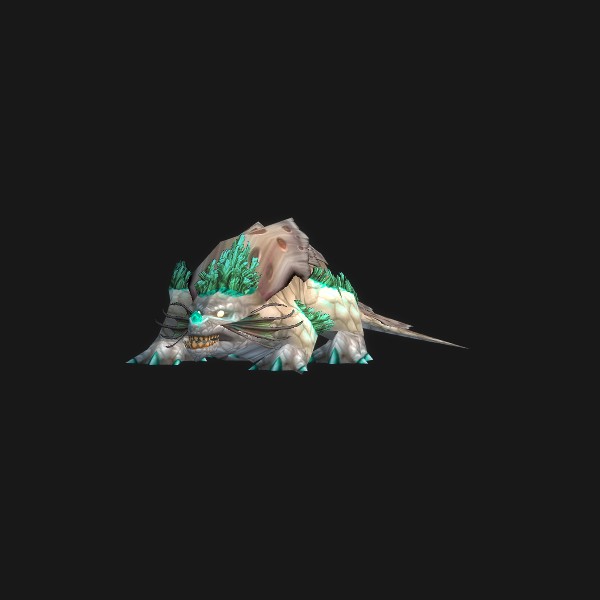
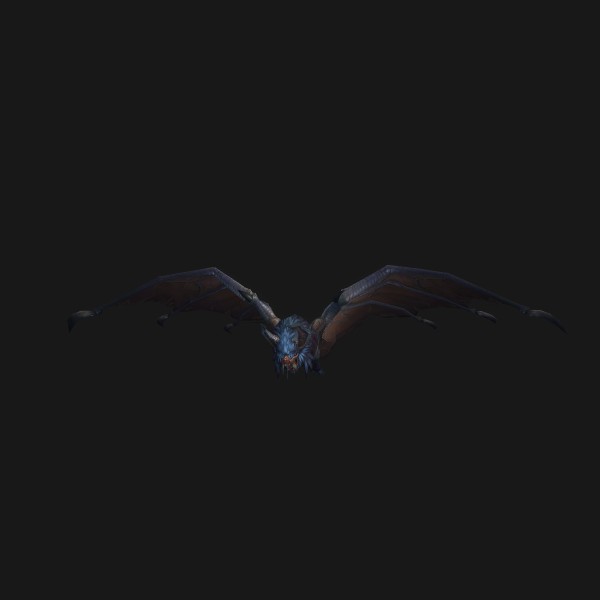
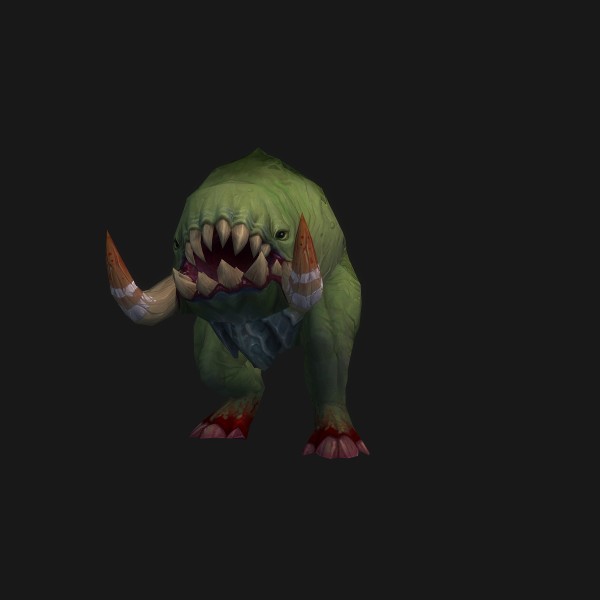
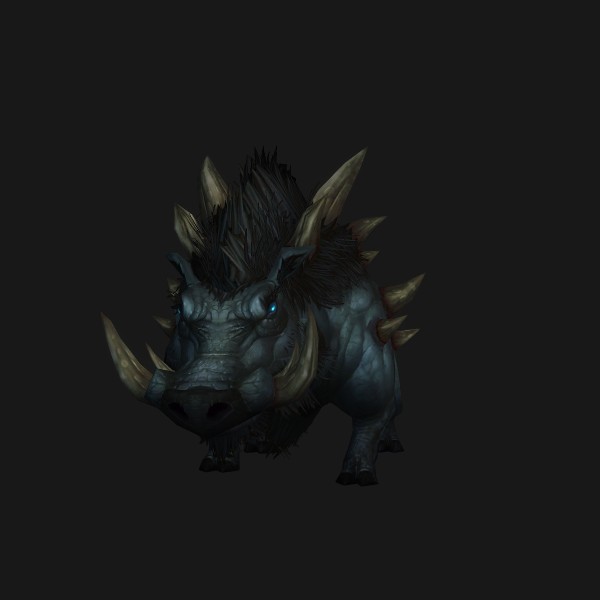
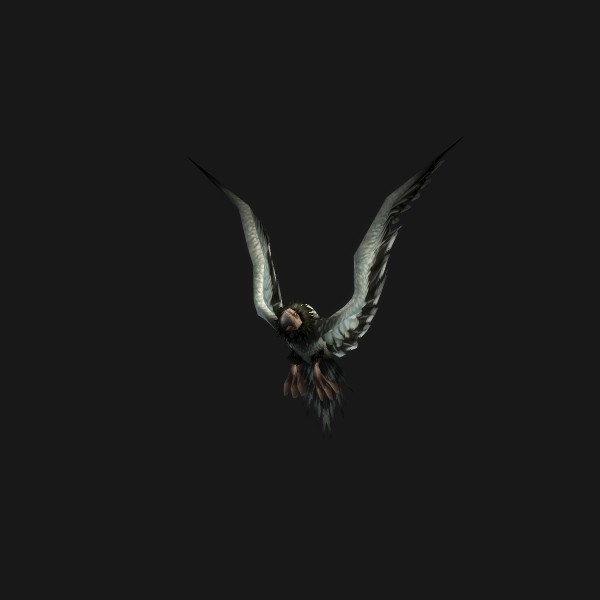
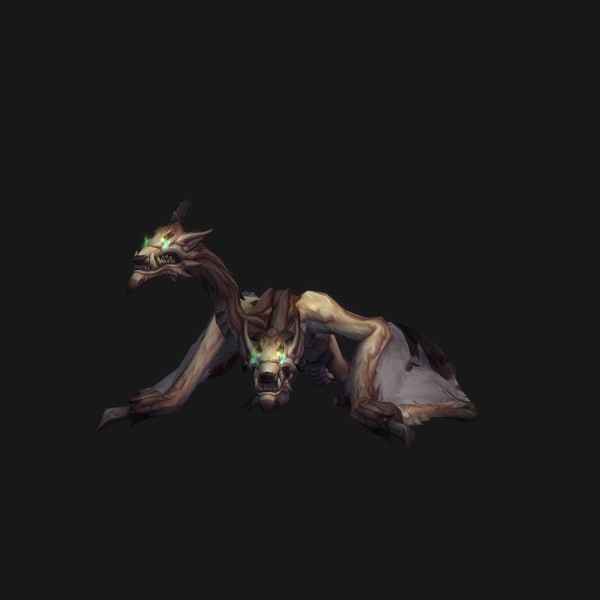
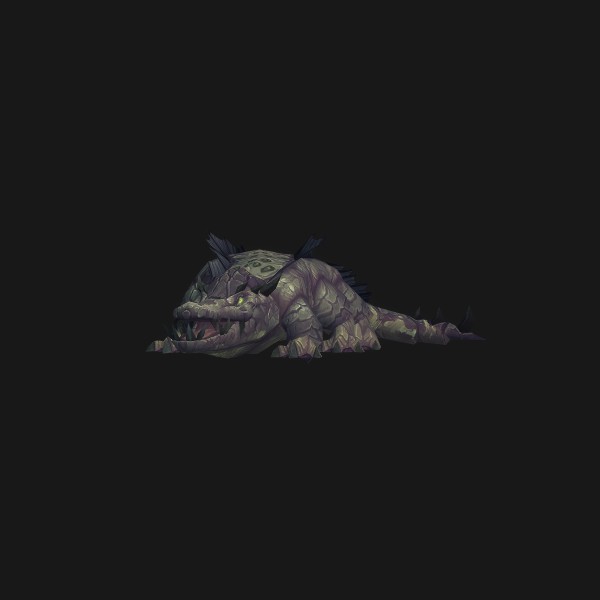
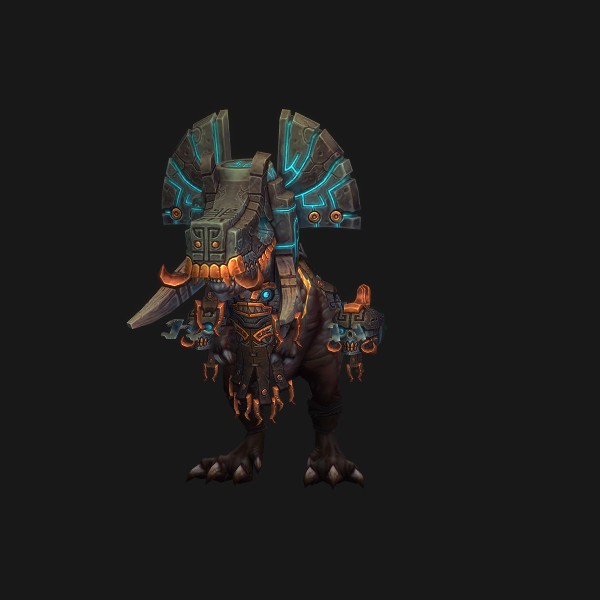
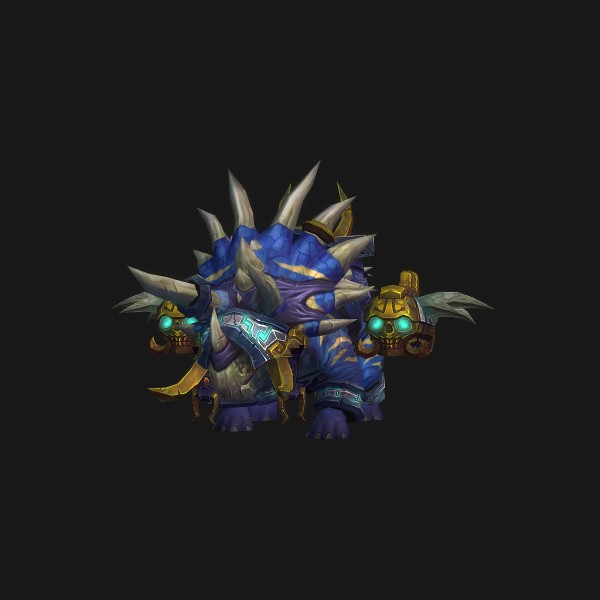
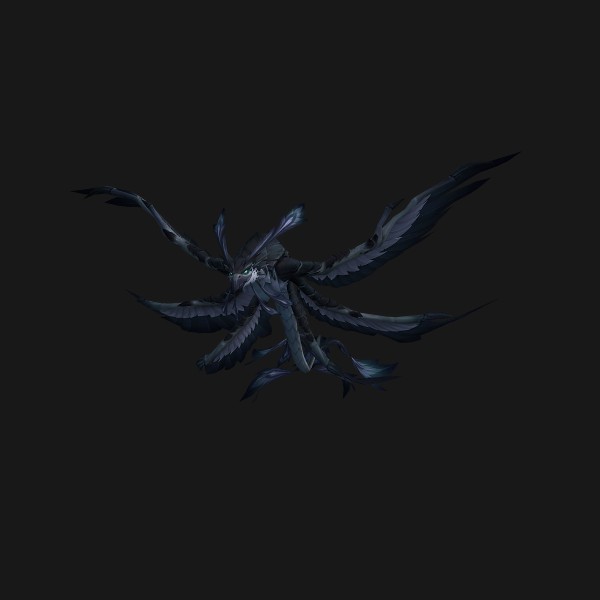
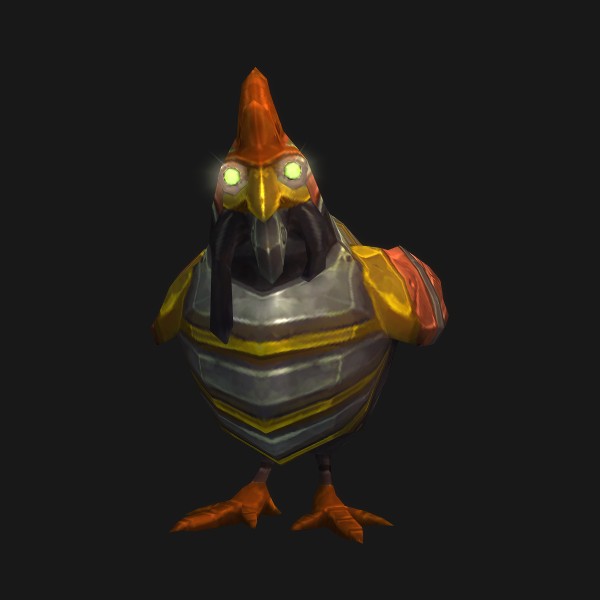
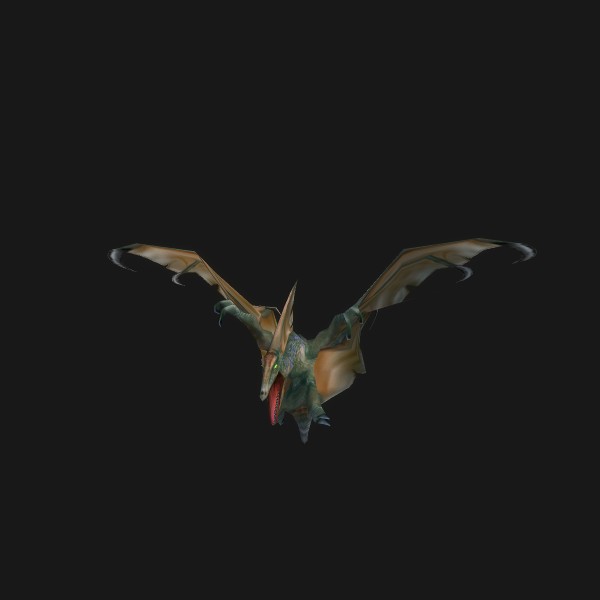
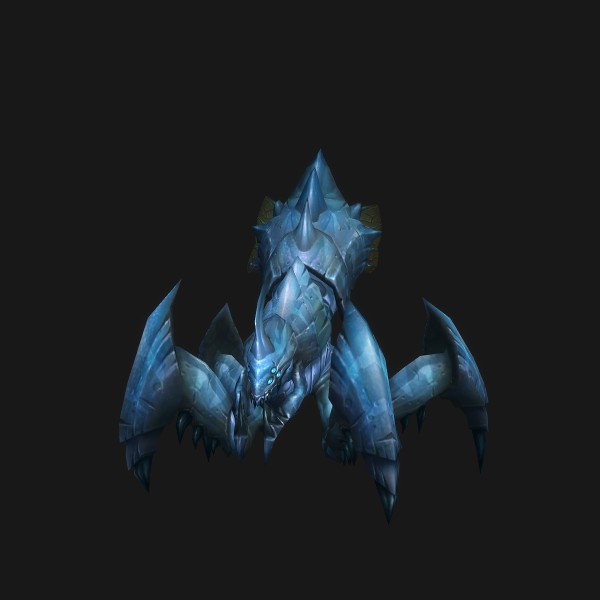
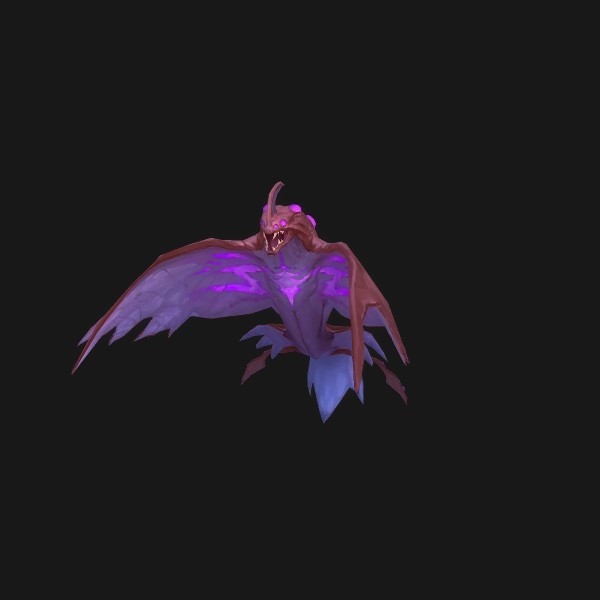
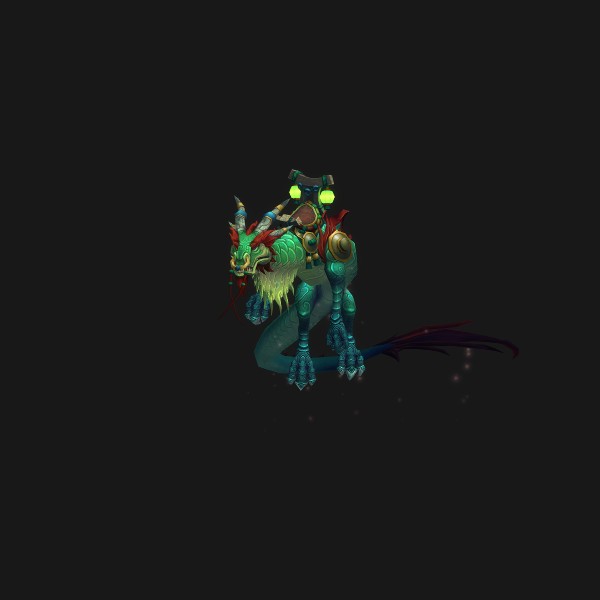
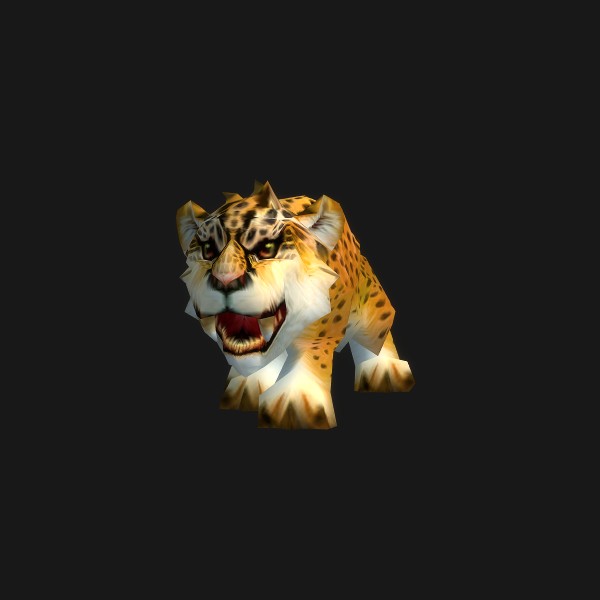
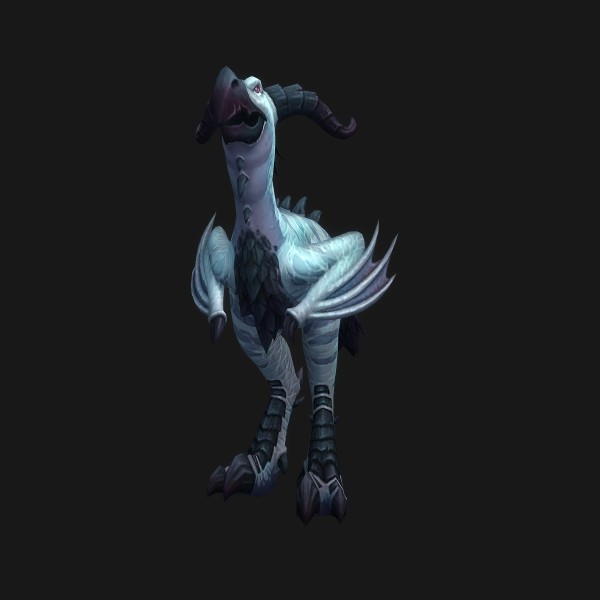
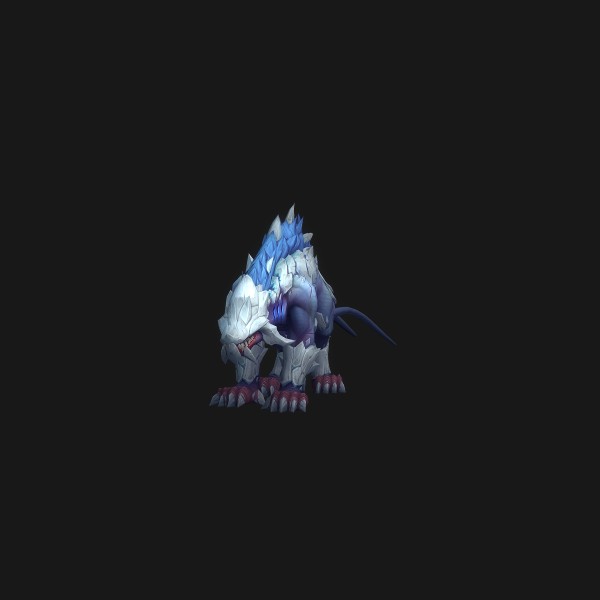
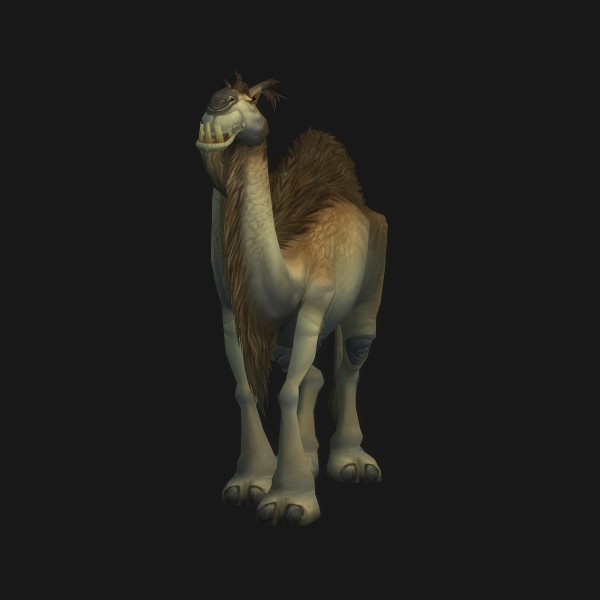
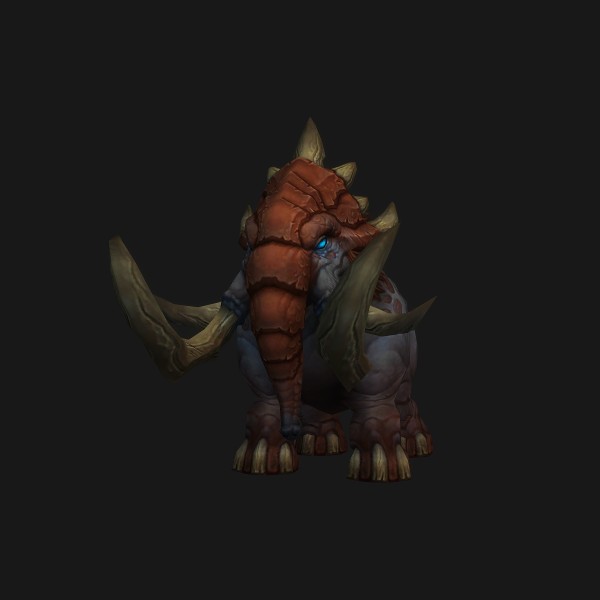
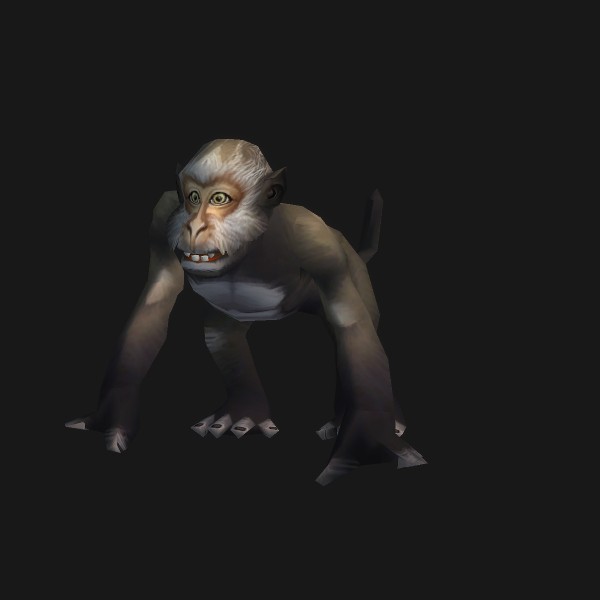
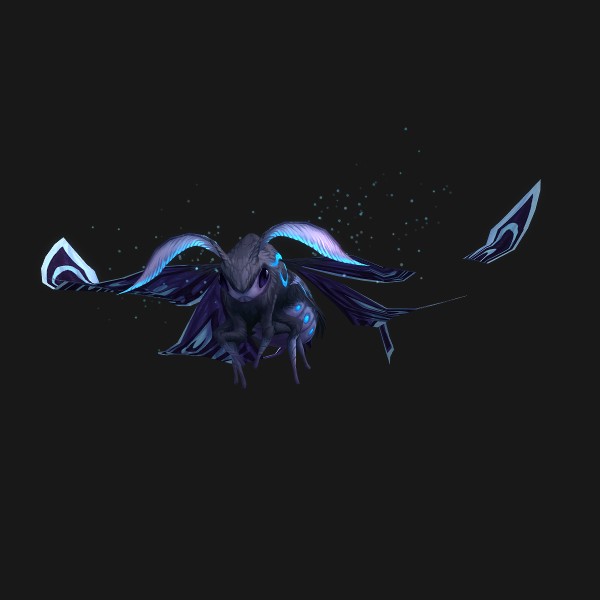
Which basic attack does your pet have?
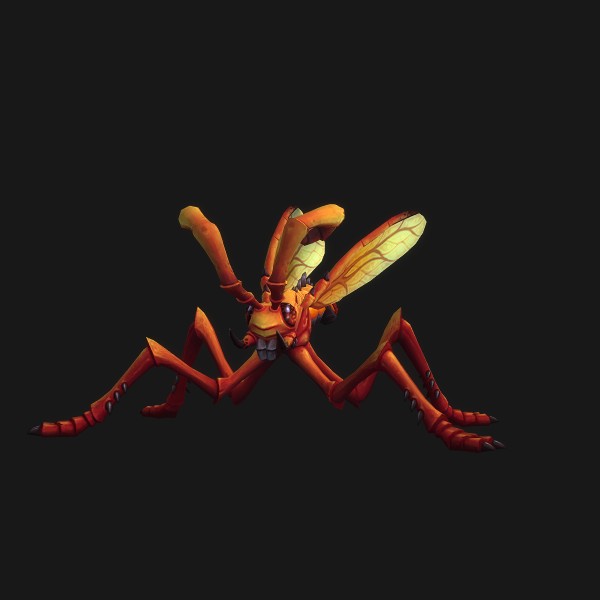
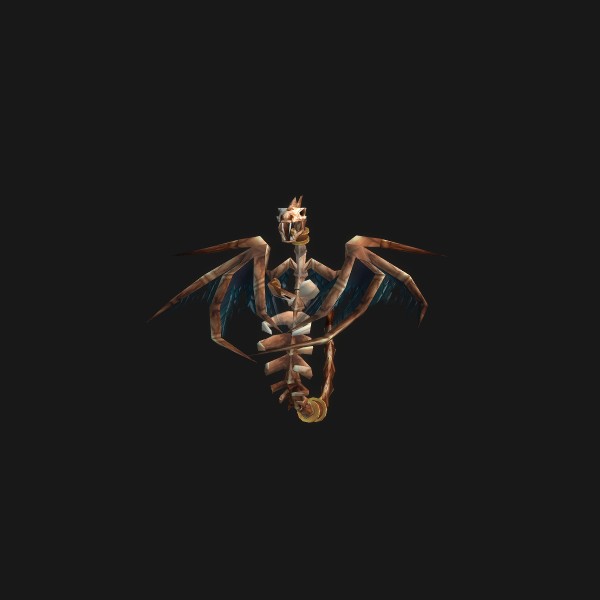
The portable macro above stacks /use Bite, Claw, and Smack because a family knows exactly one of the three and the other two lines fail silently. The three are mechanically identical, so this is a naming quirk rather than a choice, and this is your family. Icons and portraits come from the game client, verified 2026-09-16.
 Basilisk
 Bat
Bat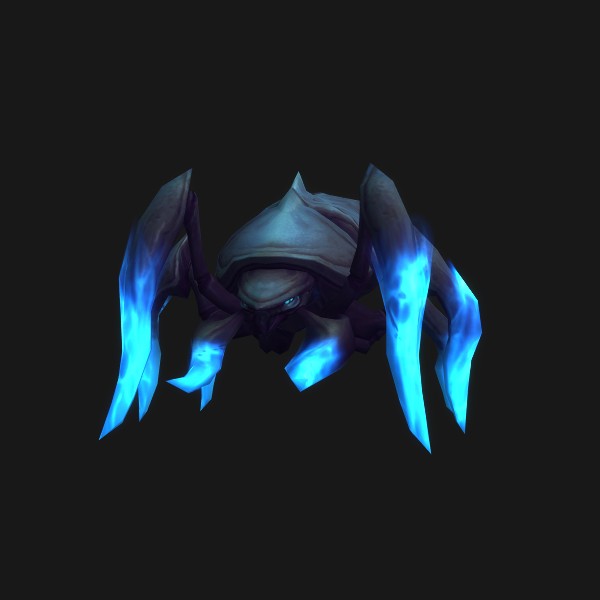 Beetle
 Blood Beast
 Boar
Boar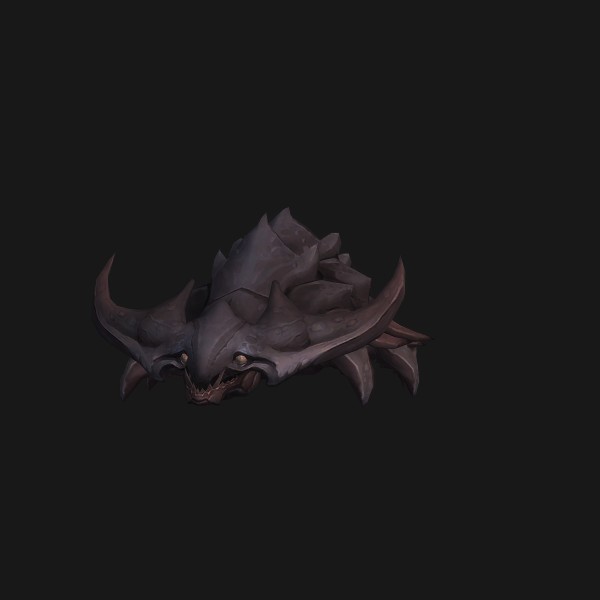 Carapid
 Carrion Bird
 Chimaera
 Core Hound
 Crocolisk
 Devilsaur
 Direhorn
 Dragonhawk
 Feathermane
 Fox
Fox Hound
Hound Hydra
Hydra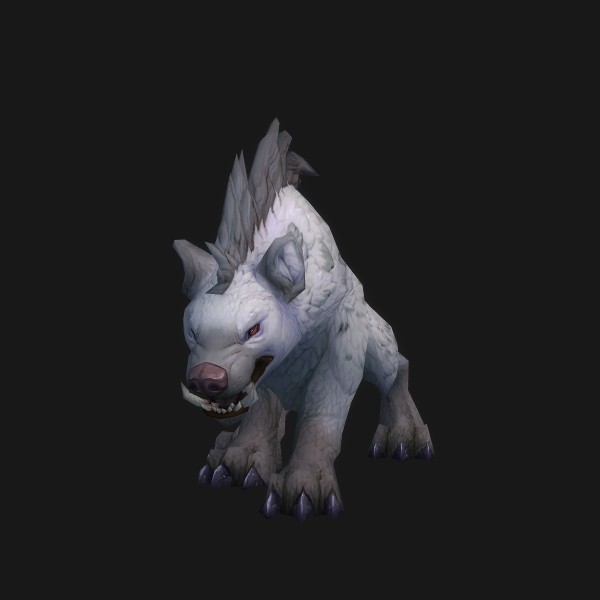 Hyena
Hyena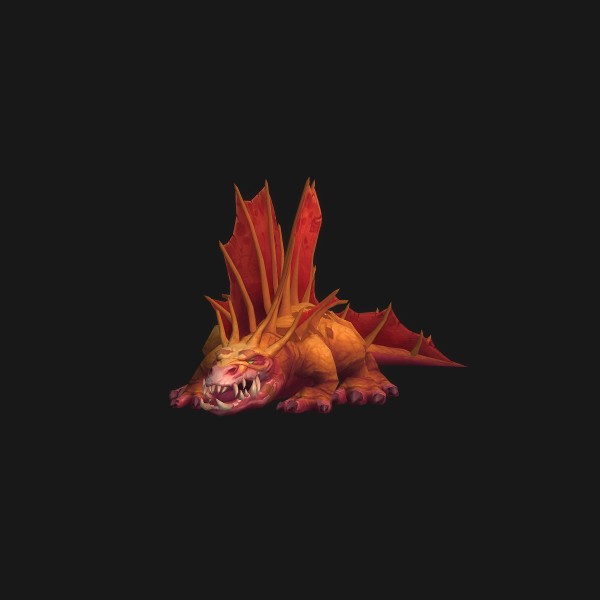 Lizard
 Mechanical
 Pterrordax
 Ravager
 Ray
Ray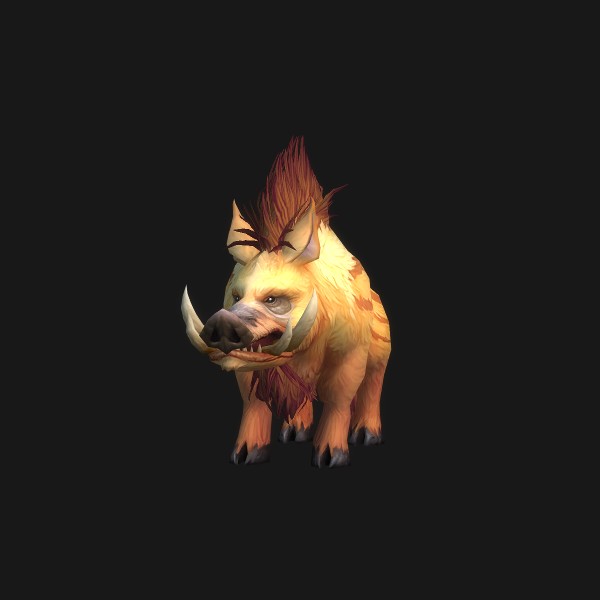 Riverbeast
 Serpent
 Shale Beast
 Spider
 Stone Hound
 Turtle
 Warp Stalker
 Water Strider
 Wind Serpent
 Wolf
Wolf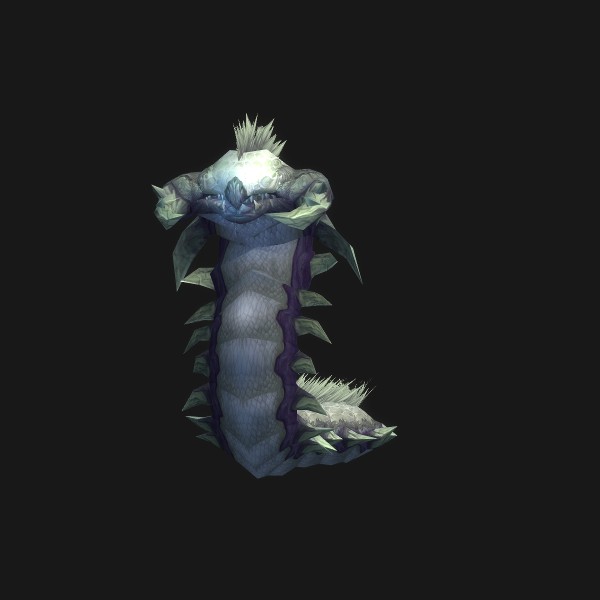 Worm
Worm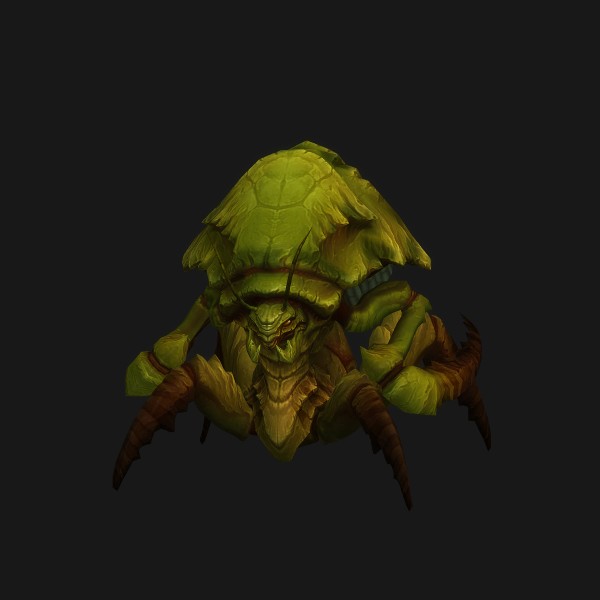 Aqiri
Aqiri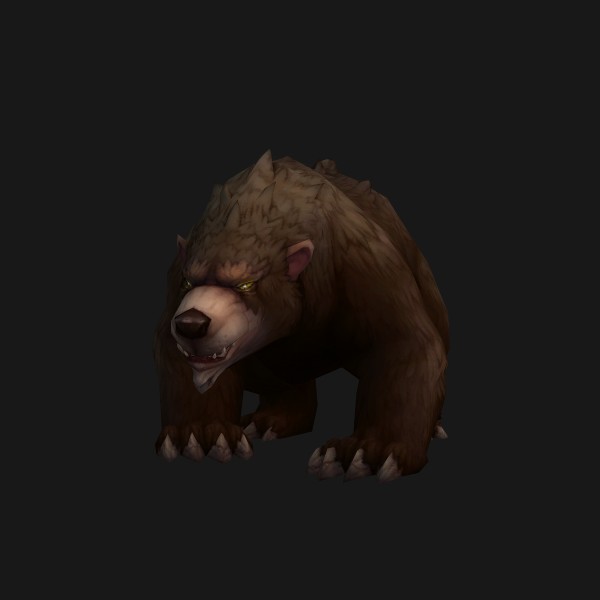 Bear
Bear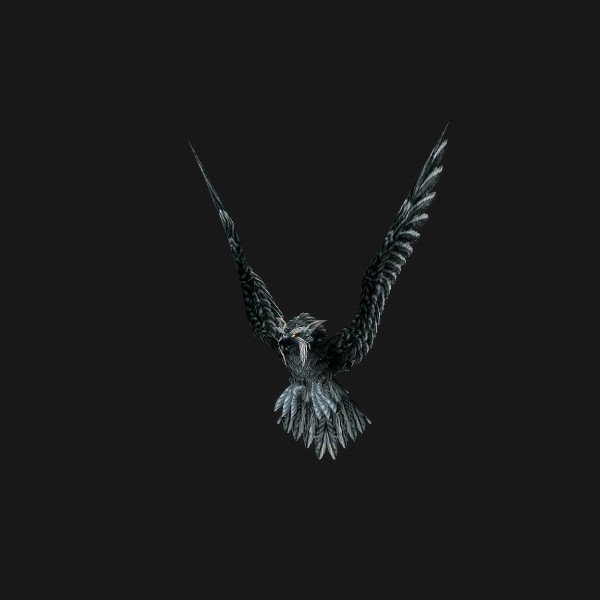 Bird of Prey
 Cat
Cat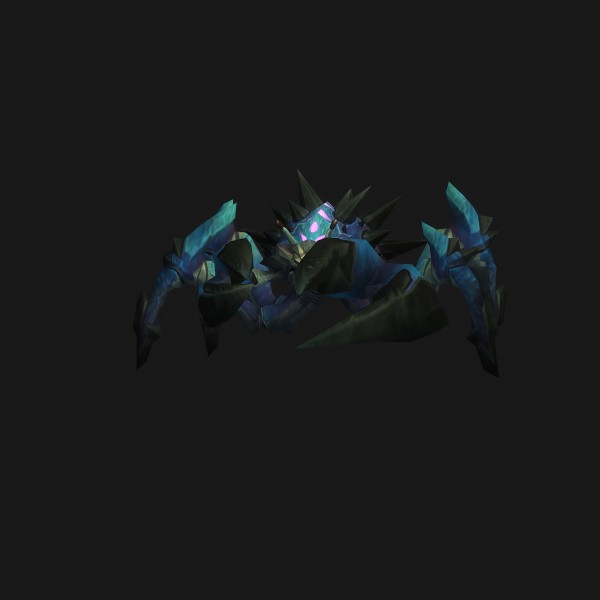 Crab
Crab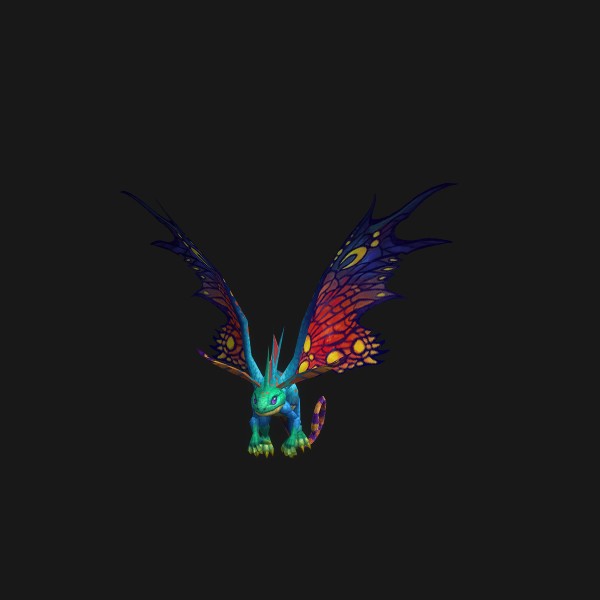 Lesser Dragonkin
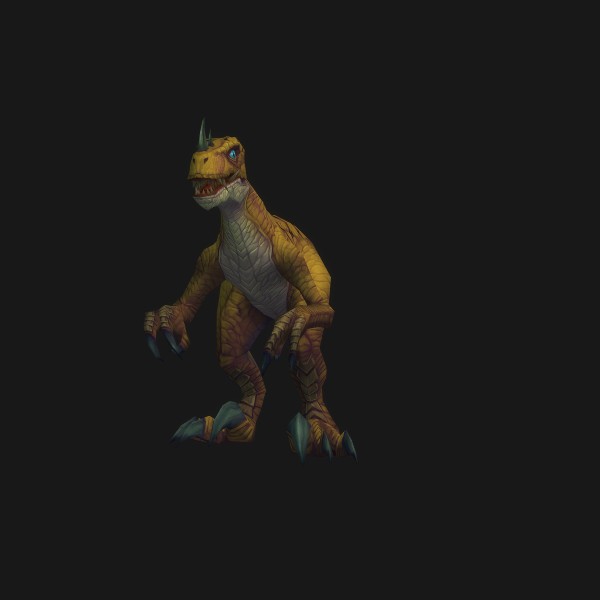 Raptor
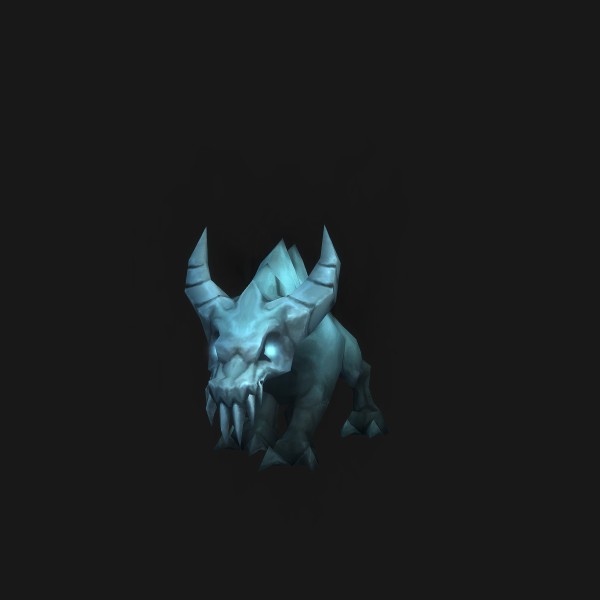 Rodent
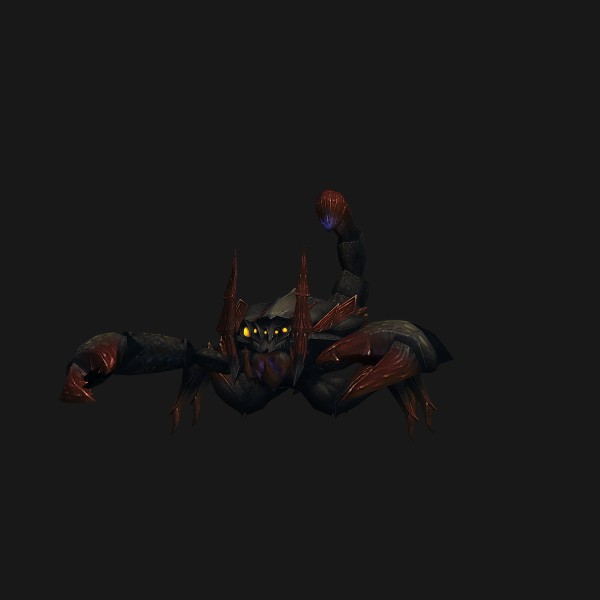 Scorpid
 Spirit Beast
 Tallstrider
 Whiptail
 Camel
Camel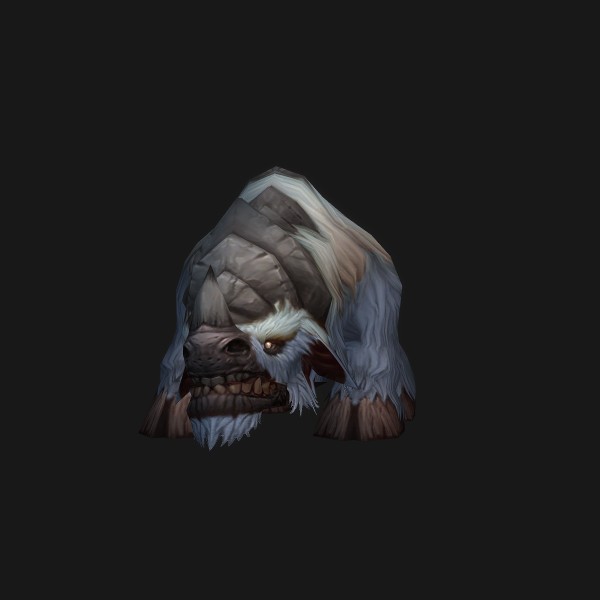 Clefthoof
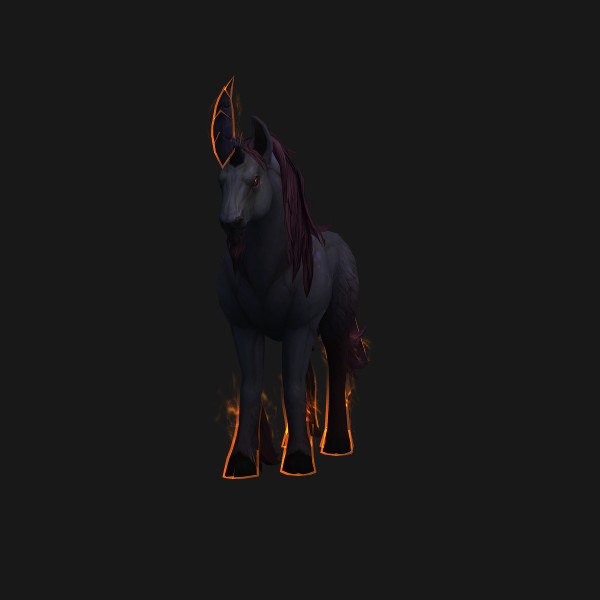 Courser
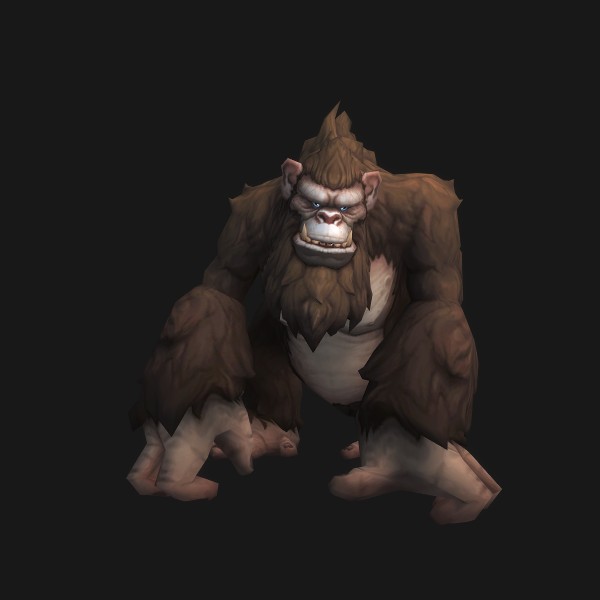 Gorilla
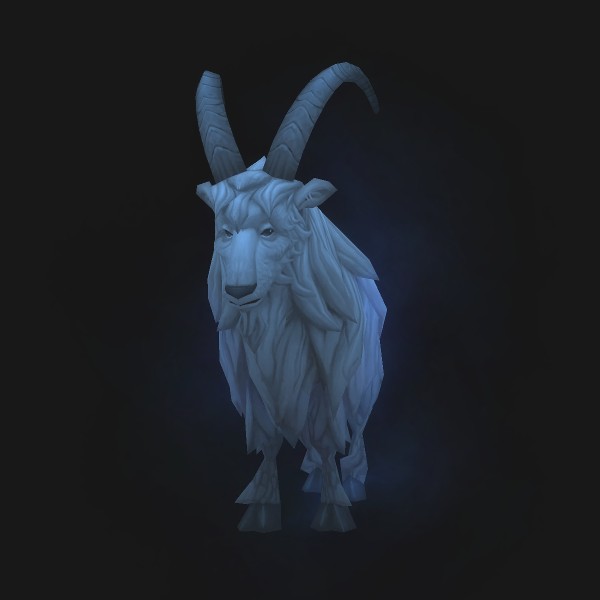 Gruffhorn
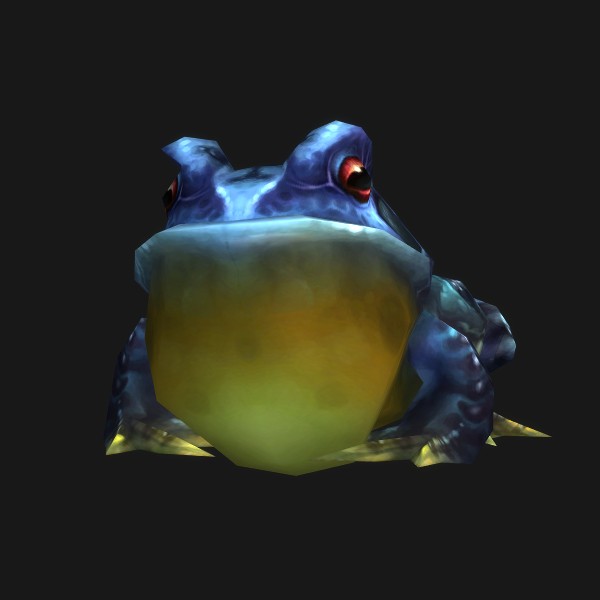 Hopper
 Mammoth
 Monkey
 Moth
Moth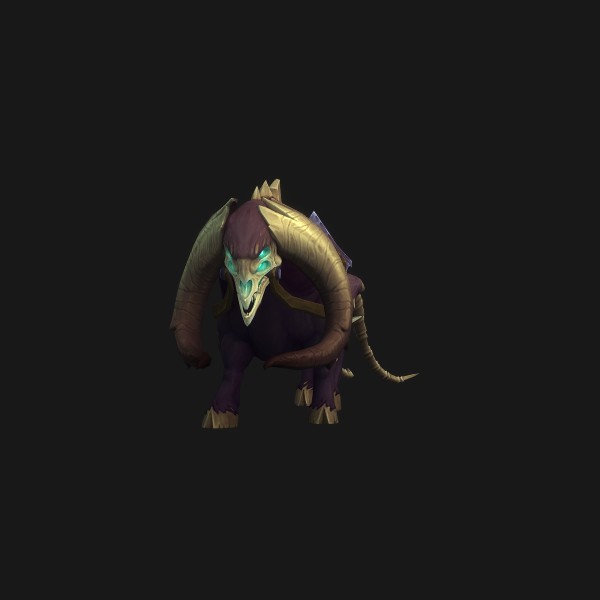 Oxen
Oxen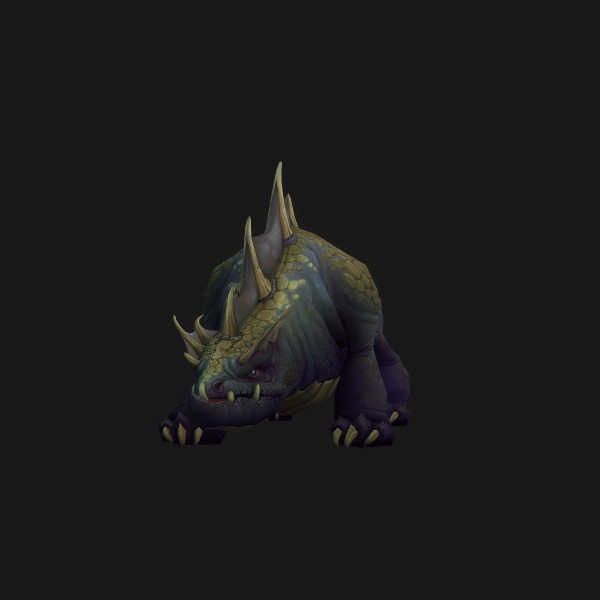 Scalehide
 Sporebat
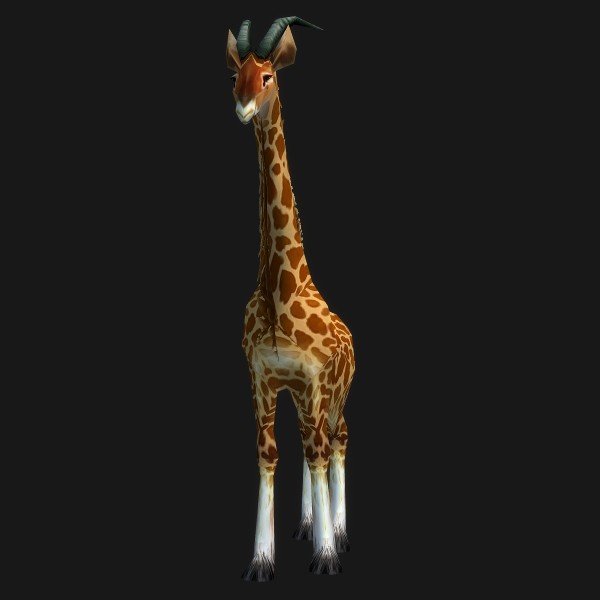 Stag
Stag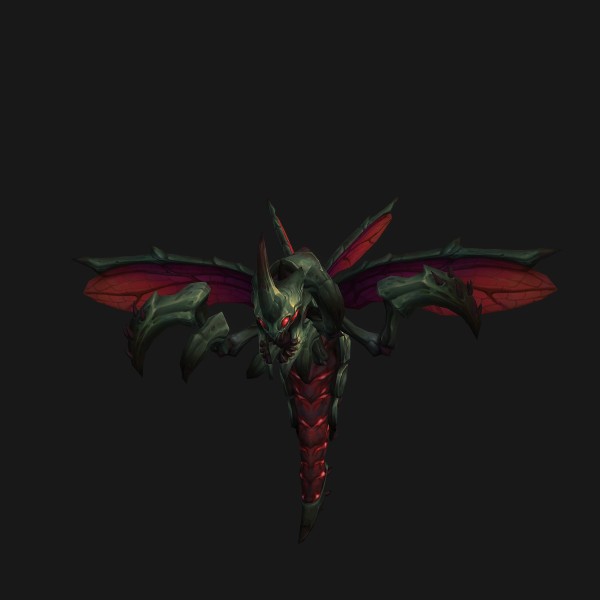 Wasp
Wasp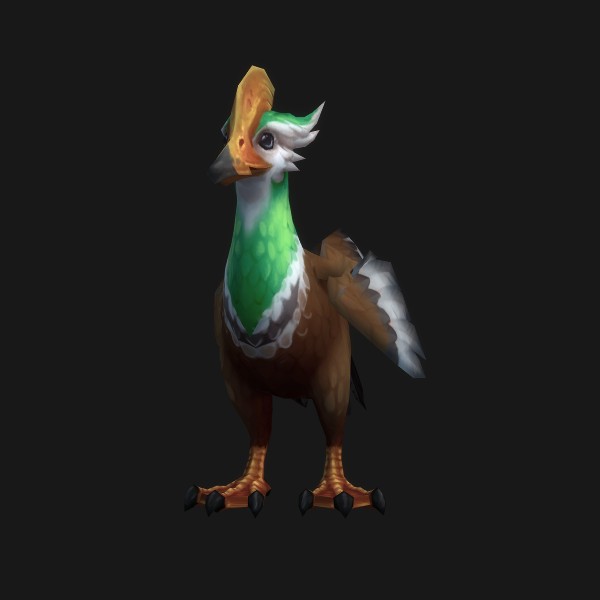 Waterfowl
Why it stopped, by symptom
Find the sentence that sounds like your problem. The tag on each row says how far we can stand behind the explanation next to it.
The pet stands next to me doing nothing while I attack.
verified. Transcribed from a primary source: a Blizzard post, patch note, or the game itself.It is on Defensive or Passive. Neither stance opens a fight for you, so until something hits one of you the pet has no reason to move.
Fix: Switch to Assist, or keep the stance and add /petattack to the button that starts your damage.
The pet fights the first mob, then stops for the rest of the pull.
practice. Convention among strong players. Widely followed, but it is not a rule and it can be wrong.Assist re-engages off your attacks, but the death of its current target parks it. If your next global is a dot or a channel already in flight, nothing tells the pet to pick a new one.
Fix: Put /petattack on your main damage key so every press re-issues the order.
Nothing in the macro does anything at all, not even an error.
practice. Convention among strong players. Widely followed, but it is not a rule and it can be wrong.The pet is dead. Every pet line is valid, addresses nobody, and fails quietly.
Fix: Bind the summon and revive macro above and check the pet frame before you blame the macro.
Kill Command says the pet is out of range while the pet is visibly chewing on the target.
unconfirmed. We could not confirm this. It is shown so you know the gap exists, not as a recommendation.Players attribute this to the pet and the mob drifting out of sync in position rather than a real distance problem, and it shows up most on encounters with heavy movement.
Fix: Recall with /petfollow and send it again, which re-seats the order. A family with a movement-speed bonus reduces how often it happens.
The pet runs a long way round and arrives after the pack is dead.
practice. Convention among strong players. Widely followed, but it is not a rule and it can be wrong.The pet is a ground unit with a real path. Ramps, gaps, boss platforms, and anything you reached by jumping down all force it to take the walkable route or give up.
Fix: Send it before you commit, or park it with Move To on a spot that can reach both sides of the fight.
The pet broke my trap, sheep, or sap.
practice. Convention among strong players. Widely followed, but it is not a rule and it can be wrong.Assist and Defensive both let the pet act on its own, and an ability left on auto-cast will fire at a crowd-controlled target the moment the pet is in range.
Fix: Press the panic recall before you set up, and turn auto-cast off for the specific ability that keeps doing it.
I sent my pet at someone and got flagged for PvP.
verified. Transcribed from a primary source: a Blizzard post, patch note, or the game itself.Ordering the pet onto a PvP-flagged target flags you as well. That is documented behaviour, not a bug.
Fix: Nothing to fix. Know that a stray /petattack in a contested zone is a commitment.
The pet is simply gone.
verified. Transcribed from a primary source: a Blizzard post, patch note, or the game itself.Move To leaves the pet holding a location. Walking far enough away from a pet you have parked can lose it, and mounting cancels Move To rather than bringing the pet with you.
Fix: Call Pet again. If you use Move To regularly, keep the recall key next to it.
Pathing is the part no macro fixes
Your pet is a ground unit that has to walk. That one sentence explains most of what looks like broken pet behaviour in raids and keys. You can shoot across a chasm and your pet cannot cross it. You can jump down to a lower platform and your pet has to find stairs. You can stand on a ramp the pet reads as unwalkable and watch it circle looking for a way up. None of that is a failed command, and pressing the attack key harder does not help.
The tools you have are placement tools, and they are worth binding. /petmoveto puts the pet on a spot you pick and holds it there, which is how you keep it out of a swirly or park it somewhere that can reach both halves of a split fight. It comes with a reticule you have to click: since patch 7.3.5 the cursor and player condition targets are explicitly blocked on that command, so the [@cursor] trick that works for every ground spell does nothing here. Mounting also cancels Move To and returns the pet to Follow, and a pet left holding a spot while you walk away can be lost outright.
When the pet is genuinely wedged, stop issuing orders and reset it. Dismiss and re-summon gives you a pet standing next to you with a clean path, and out of combat it costs two globals. That is the repair. A /reload is not, and the next section says why.
What it is not
Each of these turns up confidently in threads and video descriptions. Each one sends you looking in a place the problem is not, which is what makes them expensive rather than merely wrong.
A pet auto-cast bug is tanking your framerate and stopping your pet.
verified. Transcribed from a primary source: a Blizzard post, patch note, or the game itself.That bug was real, but it was a Burning Crusade Classic Anniversary client issue, it degraded framerate over time rather than stopping attacks, and Blizzard hotfixed it on 3 February 2026. It is not an explanation for a retail pet that will not engage.
Retail tightened the API and /petattack no longer works properly in macros.
verified. Transcribed from a primary source: a Blizzard post, patch note, or the game itself./petattack is a current, documented command that accepts secure command options and a unit argument. Every macro below is built on that. What changed in 7.3.5 was narrow and specific: Move To stopped accepting the cursor and player condition targets.
Add /petaggressive so the pet commits properly.
verified. Transcribed from a primary source: a Blizzard post, patch note, or the game itself.Aggressive stance was removed in patch 4.2 and replaced by Assist. The line is inert, and a macro that relies on it to change stance has never worked since Cataclysm.
A /reload will un-stick a stuck pet.
derived. Calculated from verified rules. The arithmetic is ours; the inputs are not./reload reloads the interface and your addons. It can clear a pet bar that is drawing the wrong stance, which is why it sometimes appears to help, but it does not move a pet caught on terrain and it does not re-issue an attack order. Dismiss and Call Pet is the reset that does.
You need a /target line before /petattack or the macro fails.
verified. Transcribed from a primary source: a Blizzard post, patch note, or the game itself.With no argument, /petattack uses the target you already have. A targeting line is only worth adding when you may be holding nothing, and then /targetenemy [noexists][dead] is the line you want rather than a bare /target.
How to read these tags
- verified. Transcribed from a primary source: a Blizzard post, patch note, or the game itself.
- Transcribed from a primary source: a Blizzard post, patch note, or the game itself.
- derived. Calculated from verified rules. The arithmetic is ours; the inputs are not.
- Calculated from verified rules. The arithmetic is ours; the inputs are not.
- practice. Convention among strong players. Widely followed, but it is not a rule and it can be wrong.
- Convention among strong players. Widely followed, but it is not a rule and it can be wrong.
- unconfirmed. We could not confirm this. It is shown so you know the gap exists, not as a recommendation.
- We could not confirm this. It is shown so you know the gap exists, not as a recommendation.
Open questions about pet behaviour
- Whether a pet on Passive still obeys a direct /petattack order. Community answers say yes and consistently so, but the wiki does not state it and we have not confirmed it in game at 12.1.
- Whether the Kill Command out-of-range error is genuinely a position desync or simply a strict range check against the pet. The reports agree on the symptom and not on the cause.
- What retail currently binds Pet Action Button 1 to by default. Check Key Bindings, Action Bars, rather than trusting the Ctrl plus 1 answer that circulates.
- Whether pet pathing changed in any 12.1 hotfix. Nothing in the notes we read mentions it.
Sources: Warcraft Wiki, Macro commands · Warcraft Wiki, /petattack · Warcraft Wiki, /petmoveto · Warcraft Wiki, Pet commands · Warcraft Wiki, Move To · Blizzard hotfixes, 3 February 2026. Spell ids and icons verified 2026-09-16; tooltips are served live by Wowhead.
Comments
Comments load when you reach this section.
Loading comments...